Moving hives
Take hives to the bloom: move them between your apiaries, keep the history of where each has stood, and see every journey on a map.
Taking hives to the bloom
Migratory beekeepers take their hives to where something is in bloom: acacia, rapeseed, fir, heather. Moving hives is one action: you pick the hives, the new place, the day and the forage. Every move is kept, so you always see where a hive has stood and when.
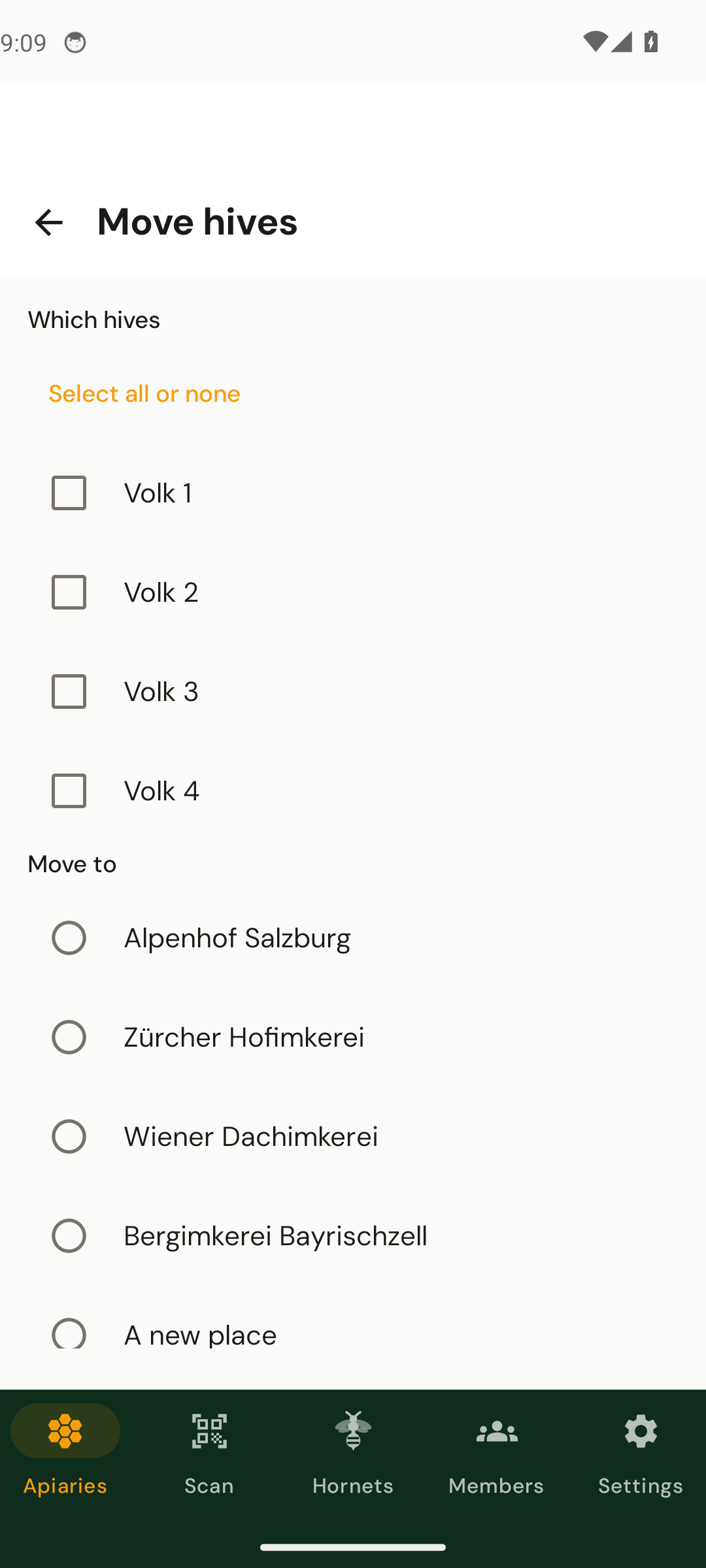
Move hives
- 1Open the apiary the hives stand in
Tap Move hives (the two arrows in the toolbar; on the website the button on the apiary page).
- 2Choose the hives
Single hives, or all of them with All hives.
- 3Choose where they go
One of your other apiaries, or A new place with a name and an address. HivePulse looks the address up so the place can be drawn on the map.
- 4Day, forage and note
The day is today unless you change it (it cannot be in the future). Pick a forage or write your own, and add a note if you like.
Back to where they came from.If hives were taken to this apiary before, buttons such as “Back to Field (3)” appear at the top of the form. One tap selects those hives and their previous place; you only confirm the day.
Where a hive has stood
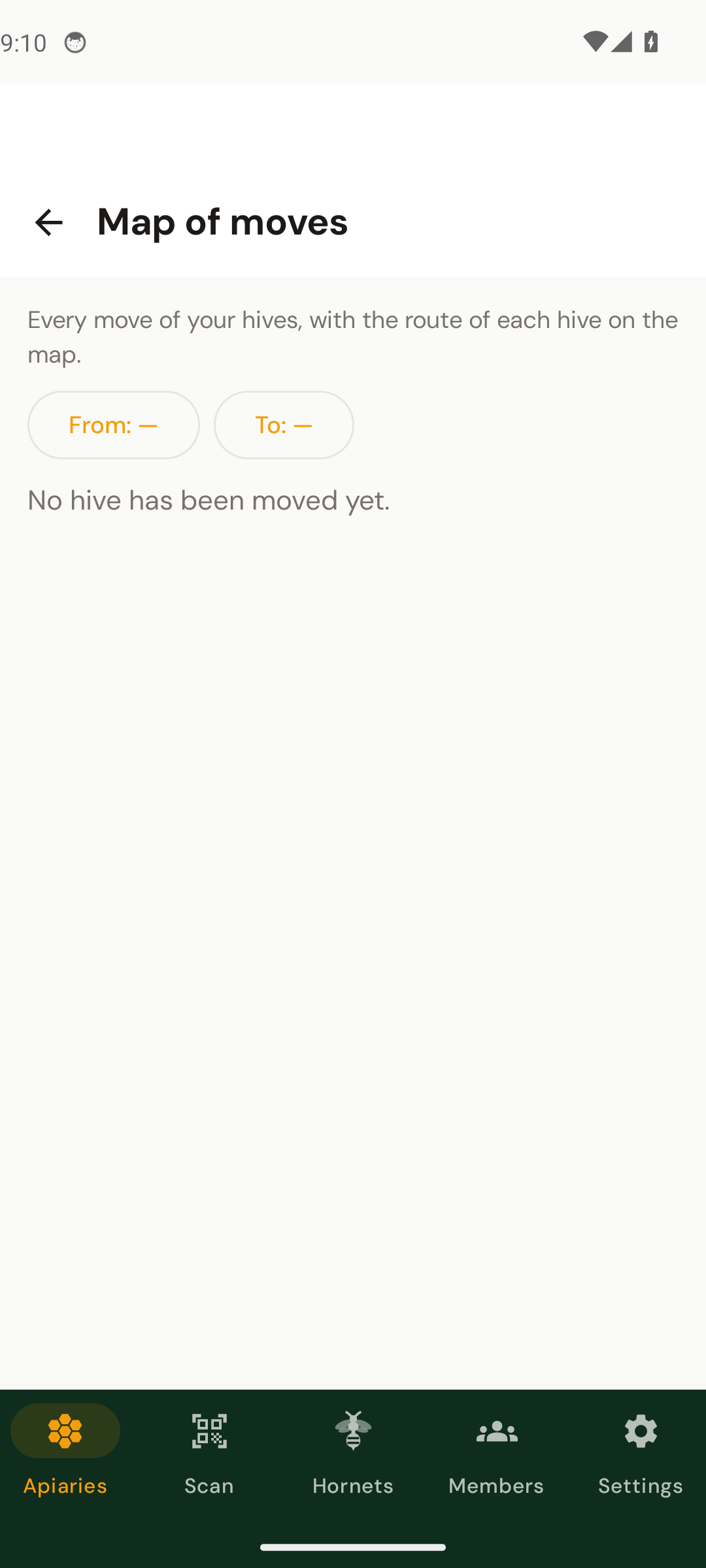
Each hive page has Where this hive has stood: its journey on a map and the list of its moves. The Map of moves (the map icon in the apiary list toolbar, or in the dashboard menu on the website) draws the journey of every hive, numbered stop by stop, and can be narrowed to a period.

Good to know
- Only the owner of an apiary can move its hives.
- A hive keeps its QR code and all its inspections when it moves.
- An apiary that is empty stays; it waits for the next season.
- Moving within the same apiary is not possible, there is nothing to move.
- For the map, both places need coordinates or an address.