Home screen and treatments
What is due, how your hives are doing and what is coming up, at a glance, and how to plan treatments for a hive or a whole apiary.
Your day at a glance
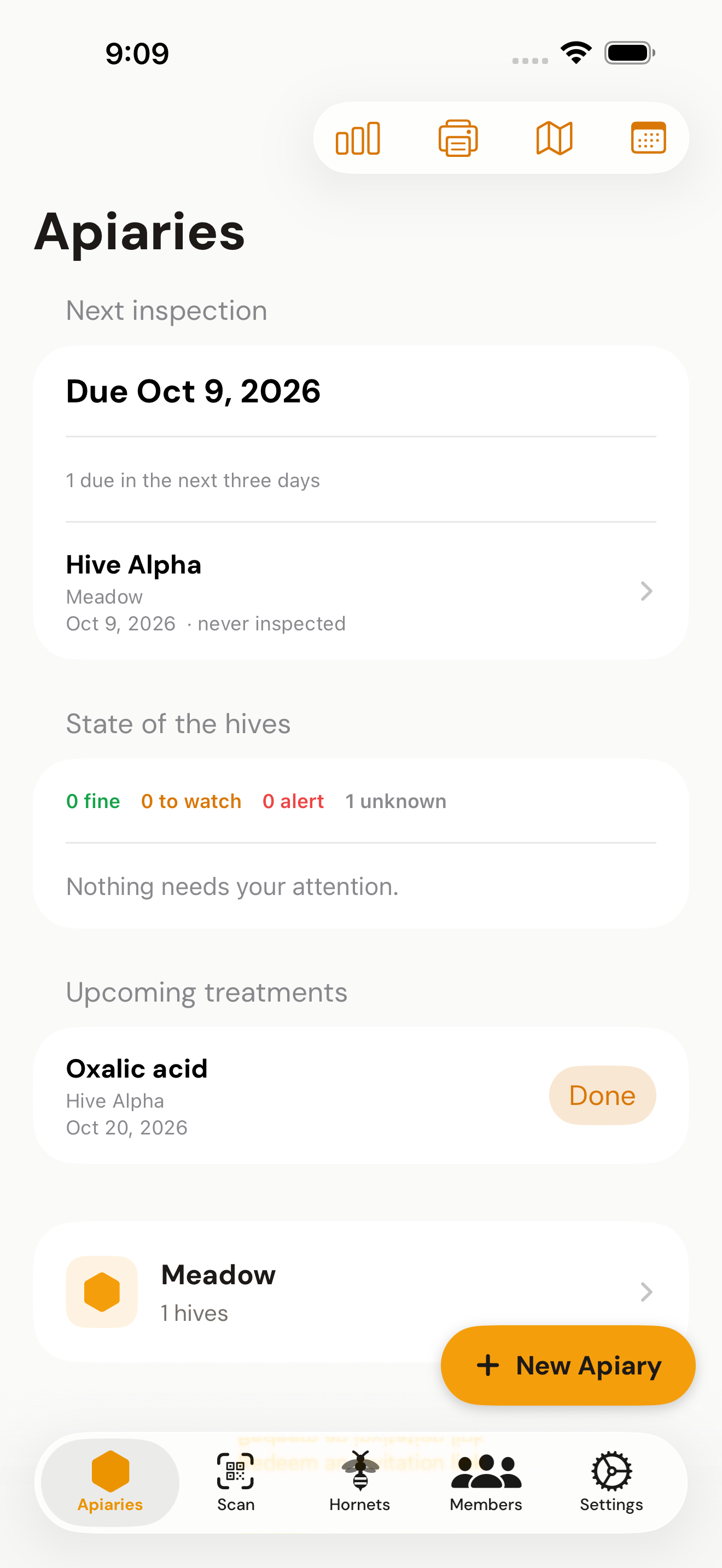
The top of the apiary list (and of the dashboard on the website) tells you what matters when you open HivePulse. It includes hives that other beekeepers shared with you. Tap a hive to open it.
- Next inspection. A hive is due your reminder interval after its last inspection (the day you entered, not the day you typed it in). You see how many are overdue and how many are due in the next three days. A hive never inspected is due that many days after it was created.
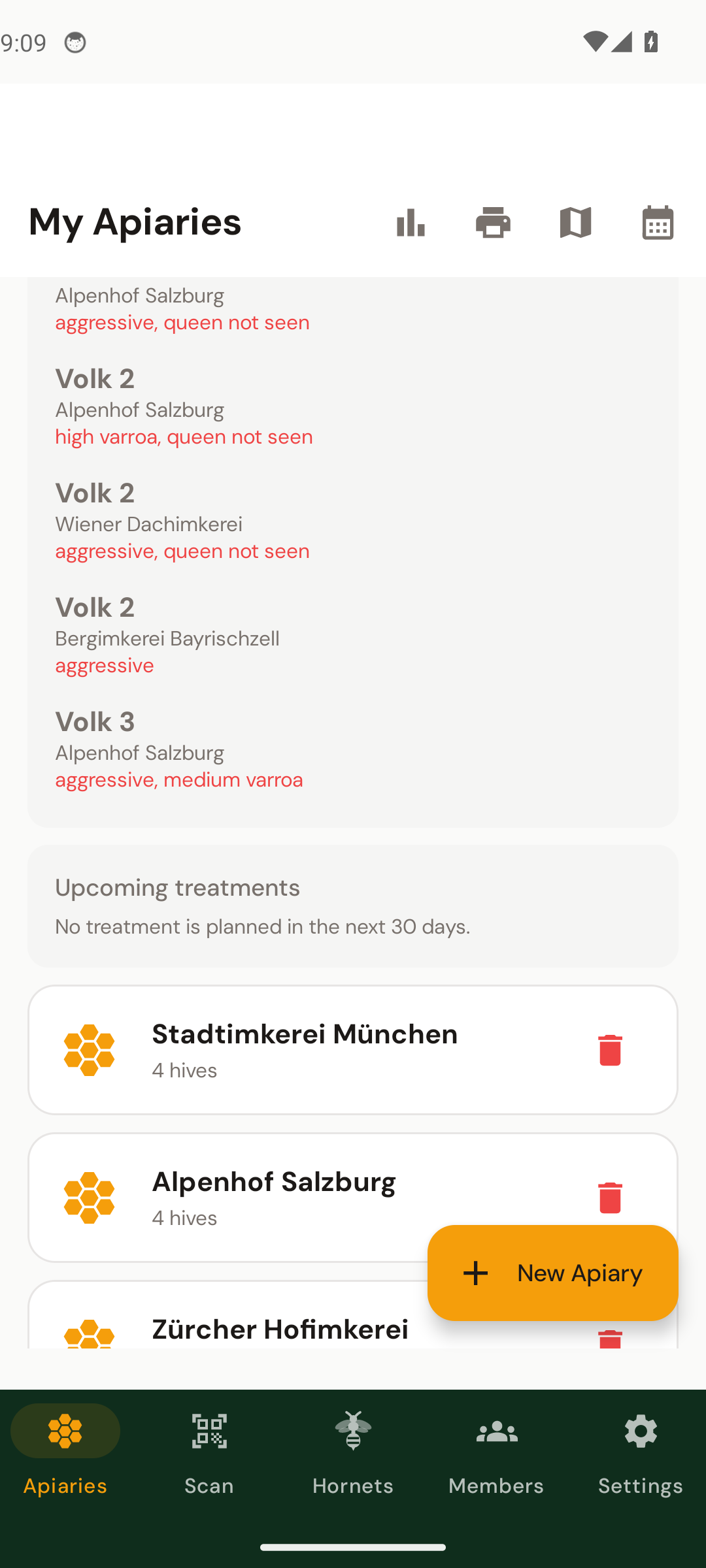
- State of the hives. Fine, to watch, alert or unknown, read from the latest inspection: alert for high varroa, swarm cells or an aggressive mood; to watch for medium varroa, a nervous mood or the queen not seen; unknown for hives never inspected. The hives that need attention are listed with the reason.
- Upcoming treatments. What is planned in the next 30 days, overdue ones first, each with a Done button.
- An announcement. Now and then a card from us can appear here. It is text only: no advertising network, no tracking.
The reminder interval and the season are set under Settings → Inspection reminders. Outside the season the dates are worked out the same way and a note says so.
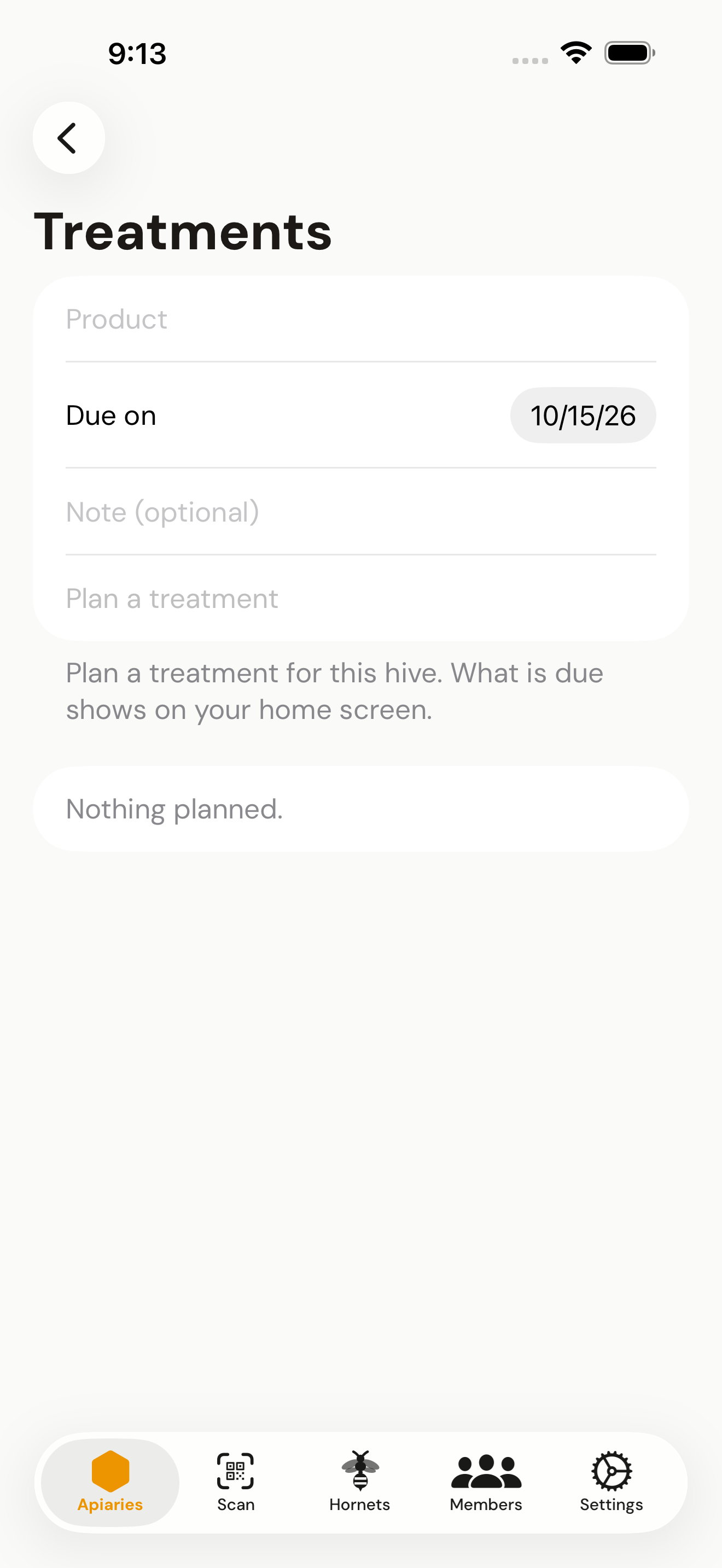
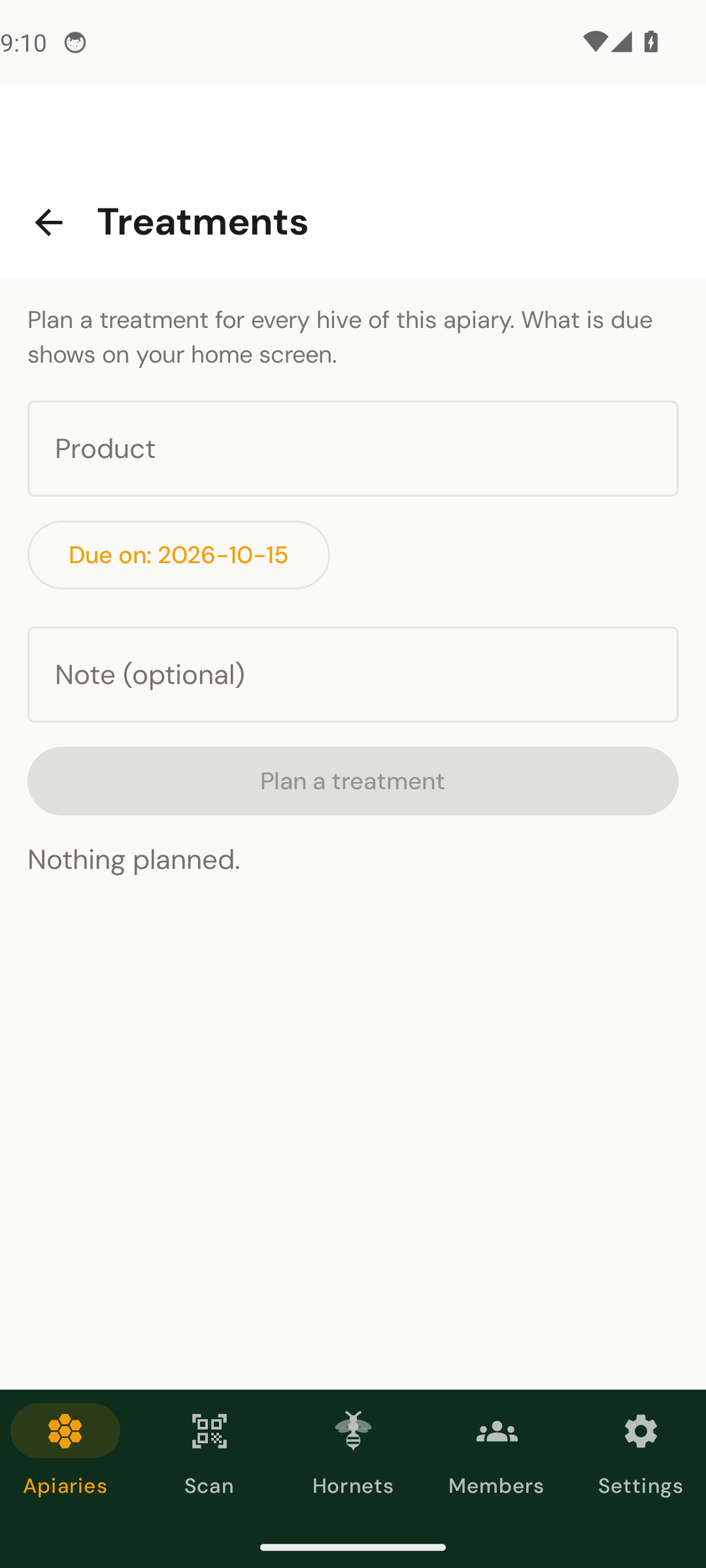
Plan a treatment
- 1Open the hive or the apiary
On a hive page choose Treatments. For all hives of an apiary, use the treatments icon in the apiary toolbar.
- 2Product, day and an optional note
For example oxalic acid on the day you plan to treat. Tap Plan a treatment.
- 3Mark it done
Use Done on the home screen or in the list. A treatment done by mistake can be reopened; the last few done ones are listed below.
Planning is not recording. What you actually applied is still written into the inspection (treatment applied). Somebody who was given single hives can plan for those hives, not for the whole apiary.